Category: Love & Life
5TH | take II
Location: home
SHOP 5TH HERE
(5th store open now for the next 5 days! yay! use code ‘andi’ for 10% off storewide)
OUTFIT DETAILS
ACNE STUDIOS | zora multicolour knit
ZULU & ZEPHYR | pink knit (available soon)
ONE TEASPOON | bandits (similar HERE and HERE)
A. xx
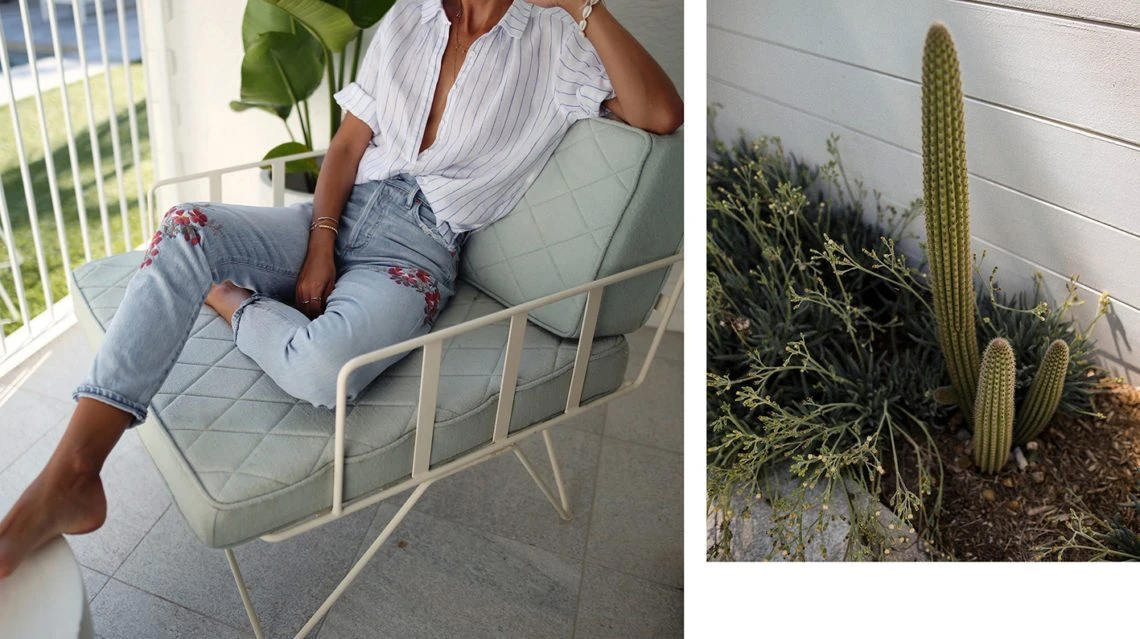
Embroidered in Byron
Location: Byron Beach Abodes
Byron, we love you! …and now even more thanks to Byron Beach Abodes!
CITIZENS OF HUMANITY | embroidered liya (similar HERE and HERE)
AYR | shirt (available soon)
jewellery from MISSOMA
A. xx
Yellow
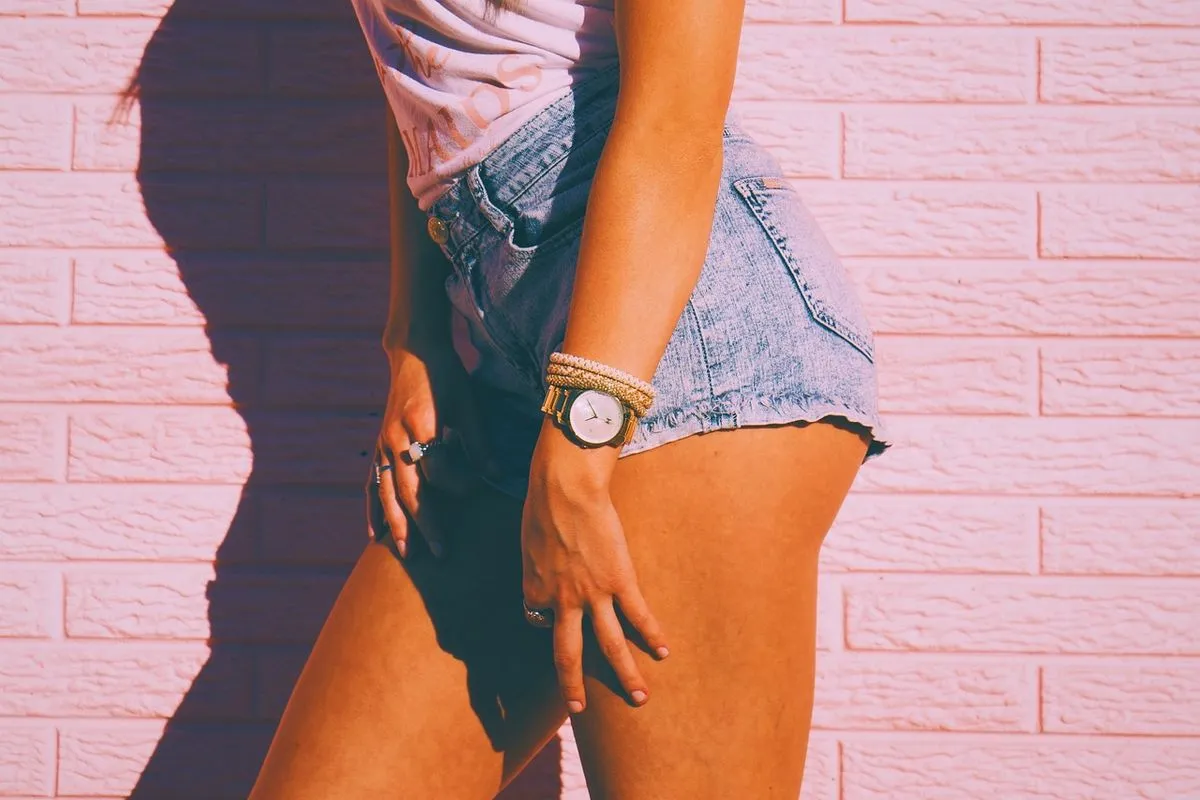
Location: Bondi Beach
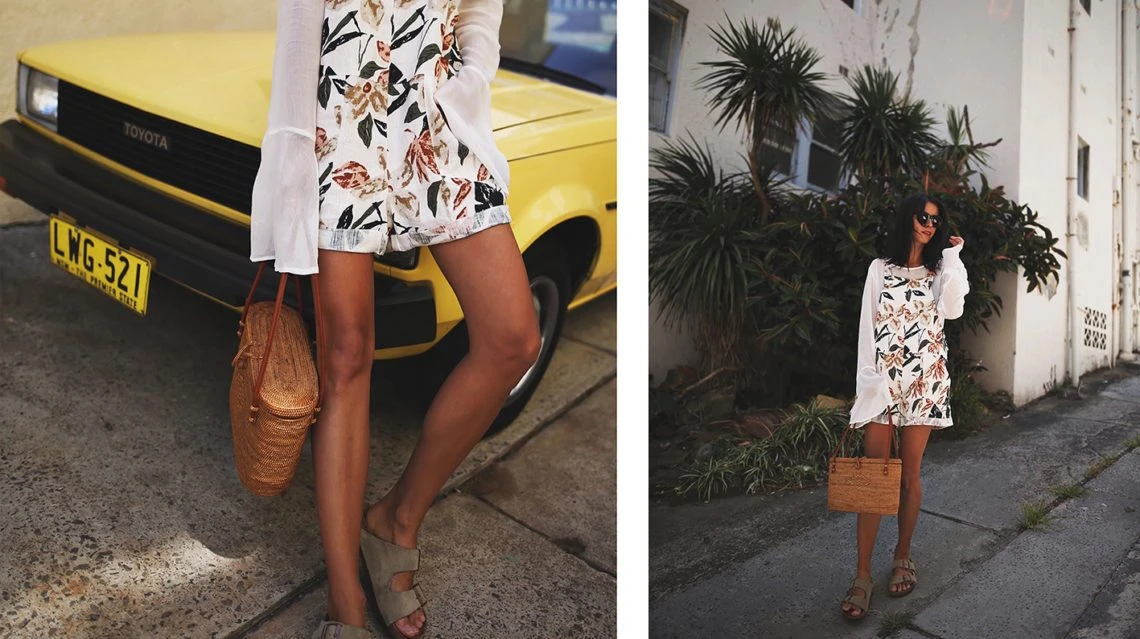
…about that time when heat made me wear fun prints and pose with a yellow Toyota! :)
ZULU & ZEPHYR
overalls (available from May)
silk shirt (available from May)
BIRKENSTOCK | arizona sandals
KAYU | basket (similar HERE and HERE)
Love, A. xx
Skirt Perfection

Location: Edgecliff | Photo:
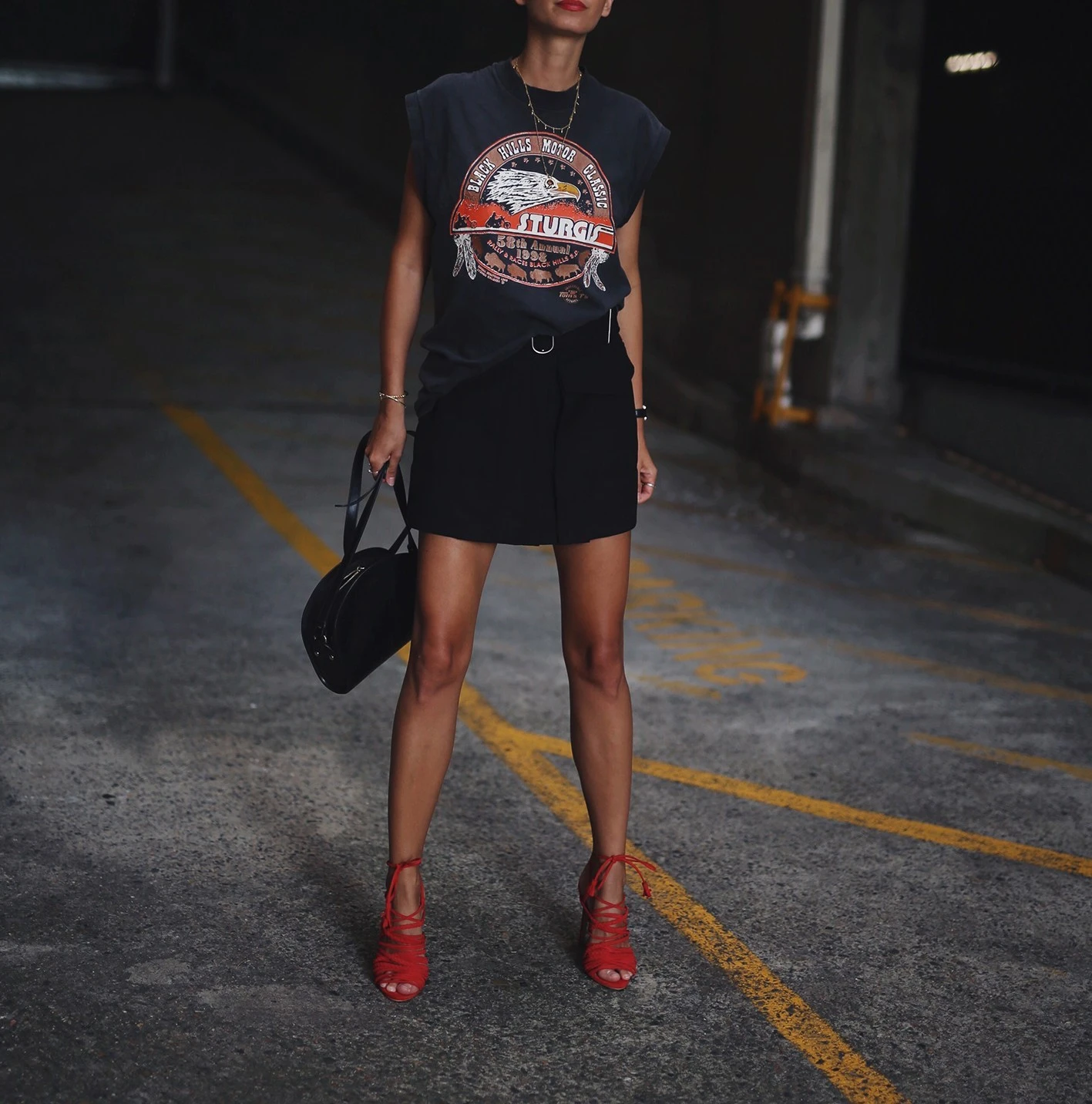
The most beautiful textured skirt I’ve ever owned! (Well…yes, I said the same when I bought one from ZARA 3 years ago :) But how cool is the belt and the huge side pockets?! Acne, you can’t do wrong!
ACNE STUDIOS | peri skirt (also HERE and HERE)
APC PARIS | half-moon bag
vintage tee from
MODE COLLECTIVE | multi strap tassel heels (on sale now! YAY!)
jewellery from MISSOMA
Love, A. xx


U.S. AIR FORCE

Location: Home
TOPSHOP | army green hoodie
(diy crop & still available at Bondi Junction store)
vintage Levi’s
A. xx
Bit dreamy, Bit different…
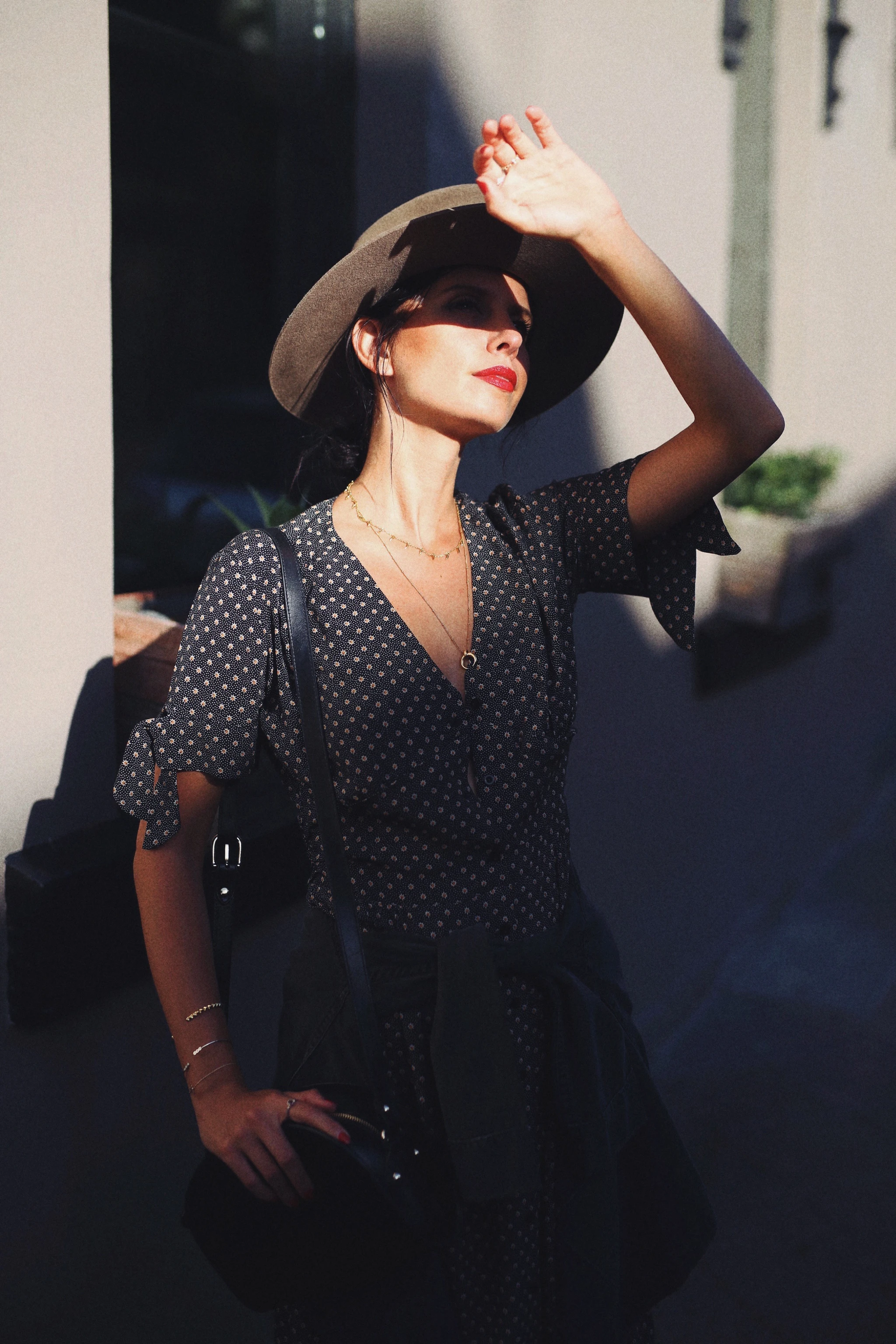
Location: Paddington
Bit dreamy, Bit different…
ROUJE | laura dress
JANESSA LEONE | alara hat
necklaces by MISSOMA
A.P.C. PARIS | half moon bag
A. xx

Oh, that Acne knit!
Location: Paddington
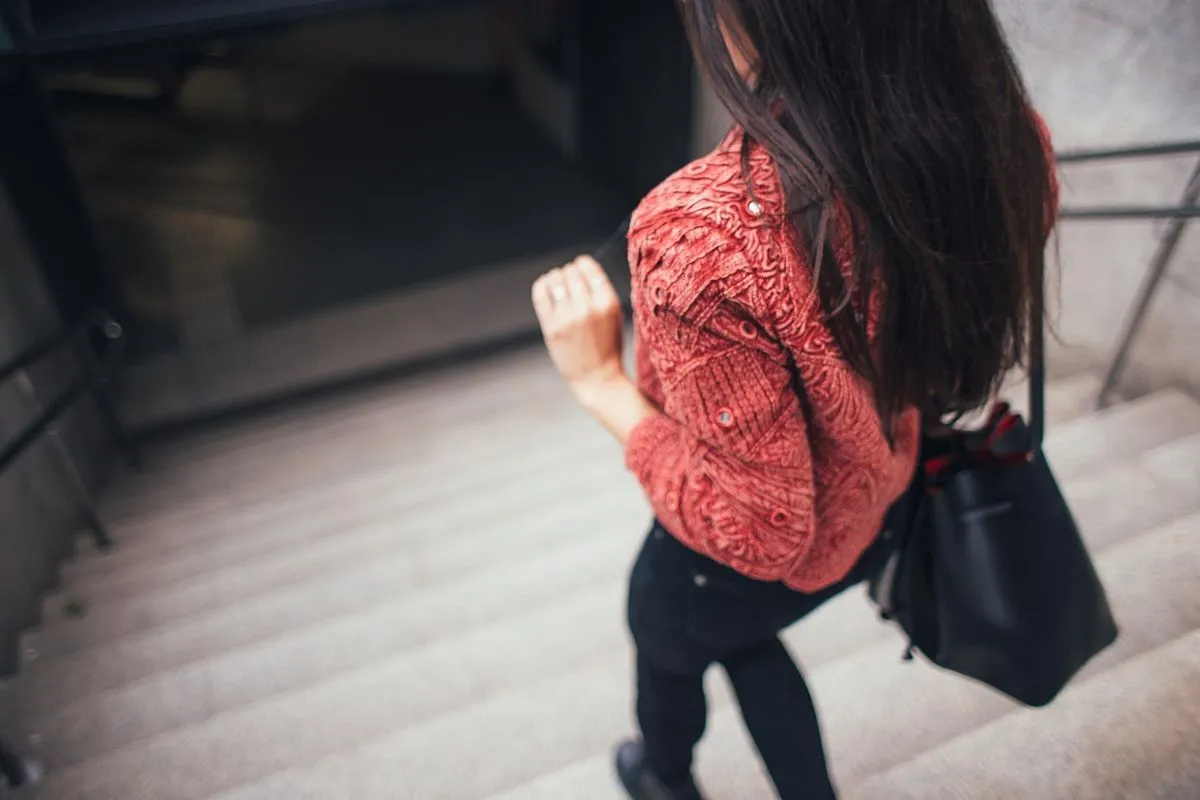
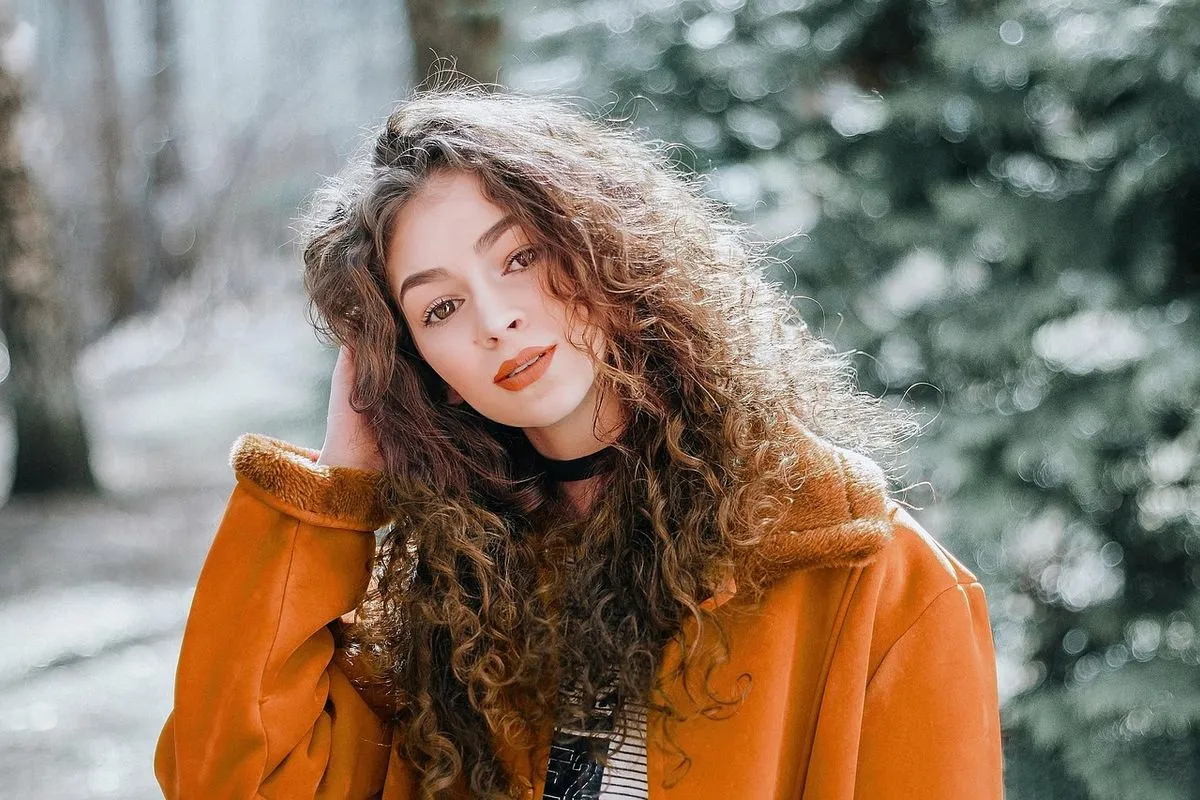
You might have noticed I’m a sucker for a good ACNE knit. So far, this might be my absolute favourite! Doesn’t matter whether you style it up with a pair of cigarette pants, jeans or a mini – this oversized beauty is the percet piece to add bit of an extra to any outfit!
ACNE STUDIOS | deborah knit
H&M | cigarette pants (altered length, similar HERE)
NIKE | air huarache run ultra (light bone colour HERE)
MANSUR GAVRIEL | sun leather tote
+extremely fancy chipped off nail polish
photo by husbando
A. xx



City Chic
Location: Paddington & Wooloomooloo
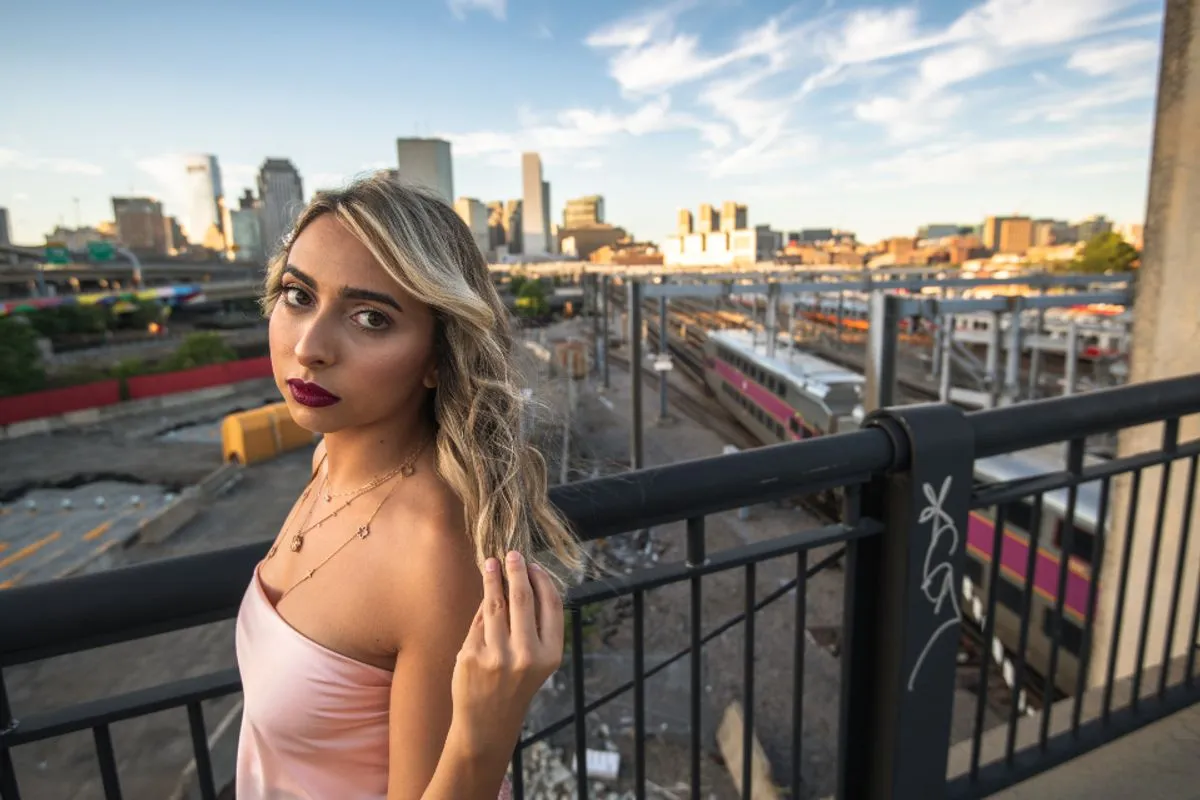
TOPSHOP | neppy white shirt
J BRAND | carolina super high-rise jeans
SENSO | leon I boots
MANSUR GAVRIEL | cross body bag
CELINE | baby audrey shades
One of my all time fave combos – white shirt & black skinnies!
A. xx


IG editing guide
Location: home
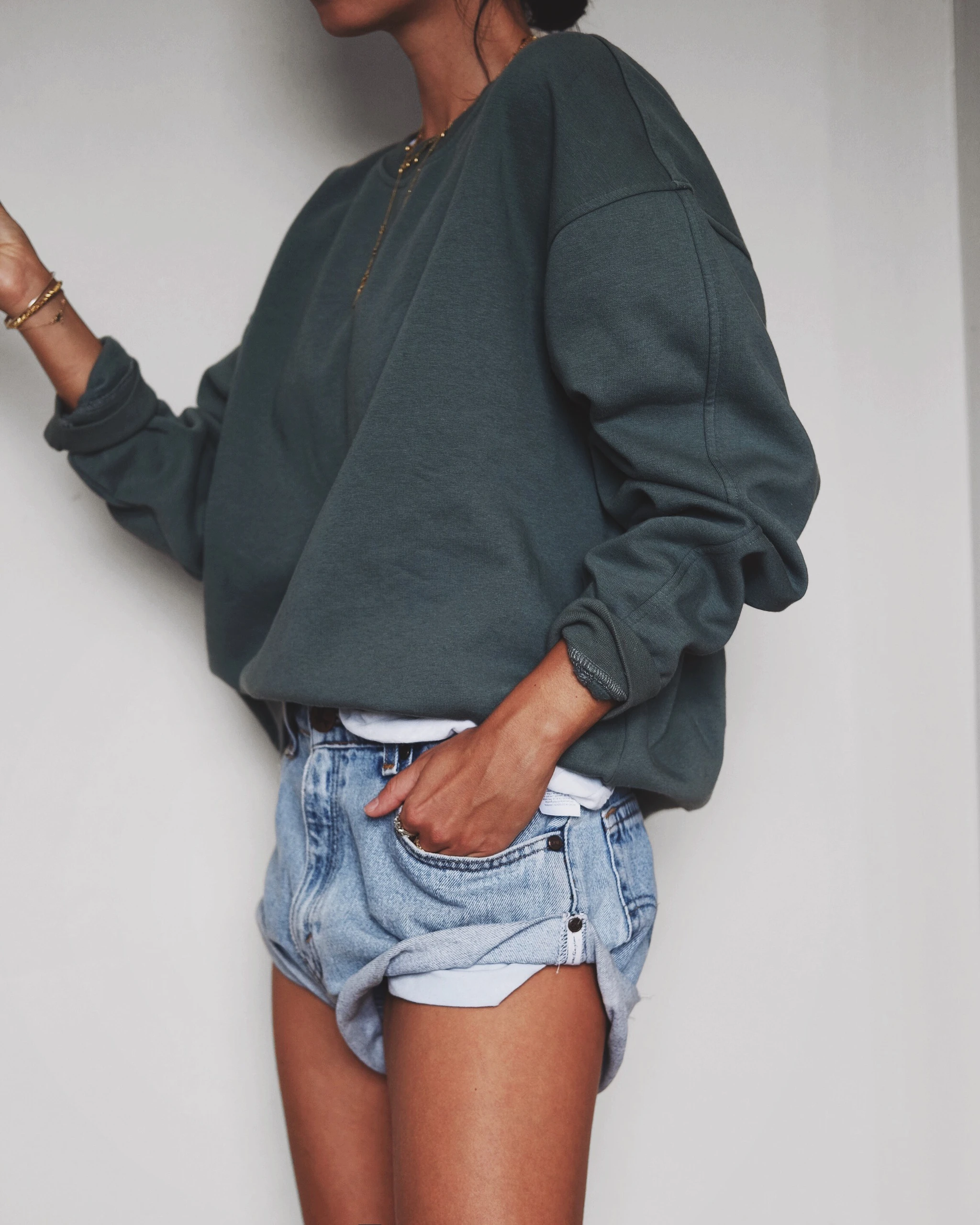
(photo edited with PicTapGo & Snapseed)
Cameras I use:
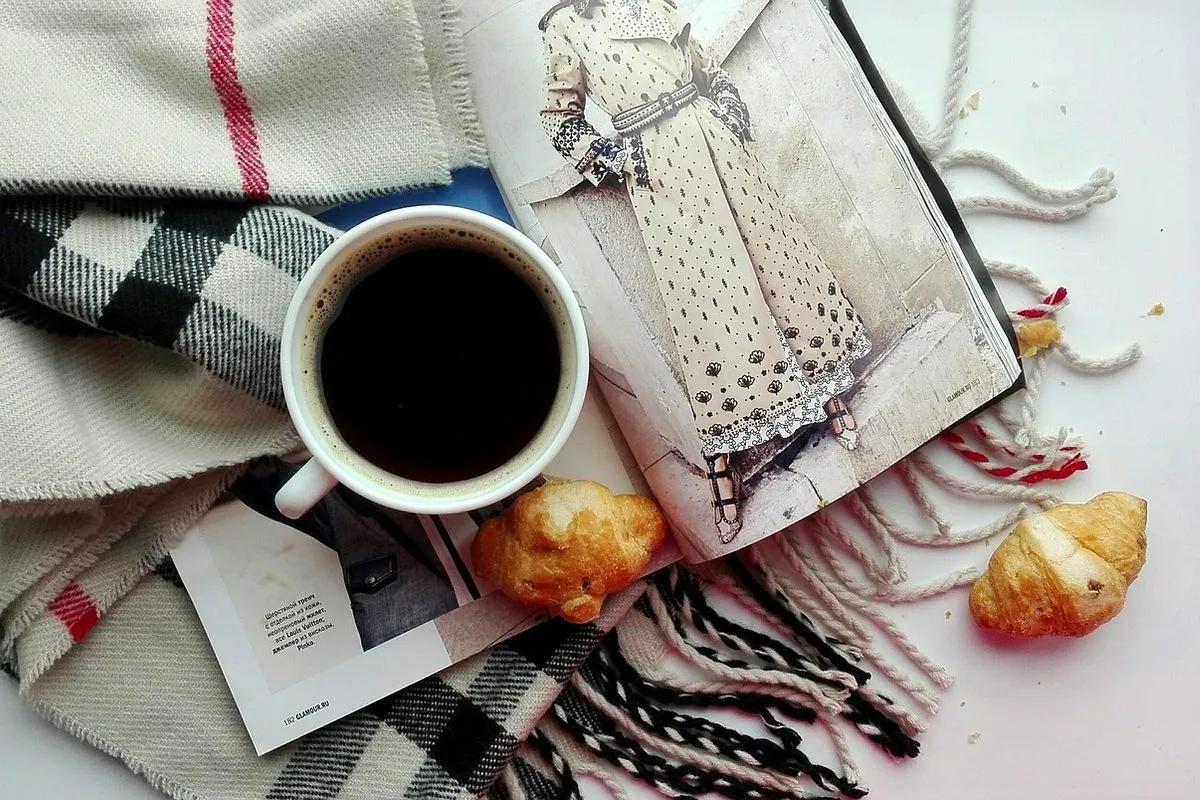
iPone 6+ – mainly flatlays ( and )
Fujifilm XT 10 + 35 mm lens – self-portraits ( and )
Canon 5D Mark III + 50 mm lens – full body shots ( and )
So here it comes guys, all my secrets (not really) on how I edit my IG pics! :)
IMAGE 1
My first step is to edit any photo in my all time favourite app called PicTapGo (download HERE for $1.99) which allows you to adjust the strength of each filter, stack multiple filters or even create your own filters and save them as recipes. I’ve highlighted the ones I use regularly but go and try each and every while you find that “perfect”one which fits your visuals!
IMAGE 2
Second step is to adjust all the smaller details in Snapseed (download HERE for around $5). By smaller details I mean all the “not perfectly white” areas on the photo which you couldn’t get rid off with PicTapGo. Use the ‘Selective’ tool to adjust colours localy (will describe in more detail on the second photo) or just simply erase unwanted objects (pimples) with the ‘Healing’ tool. Snapseed is honestly GOLD!
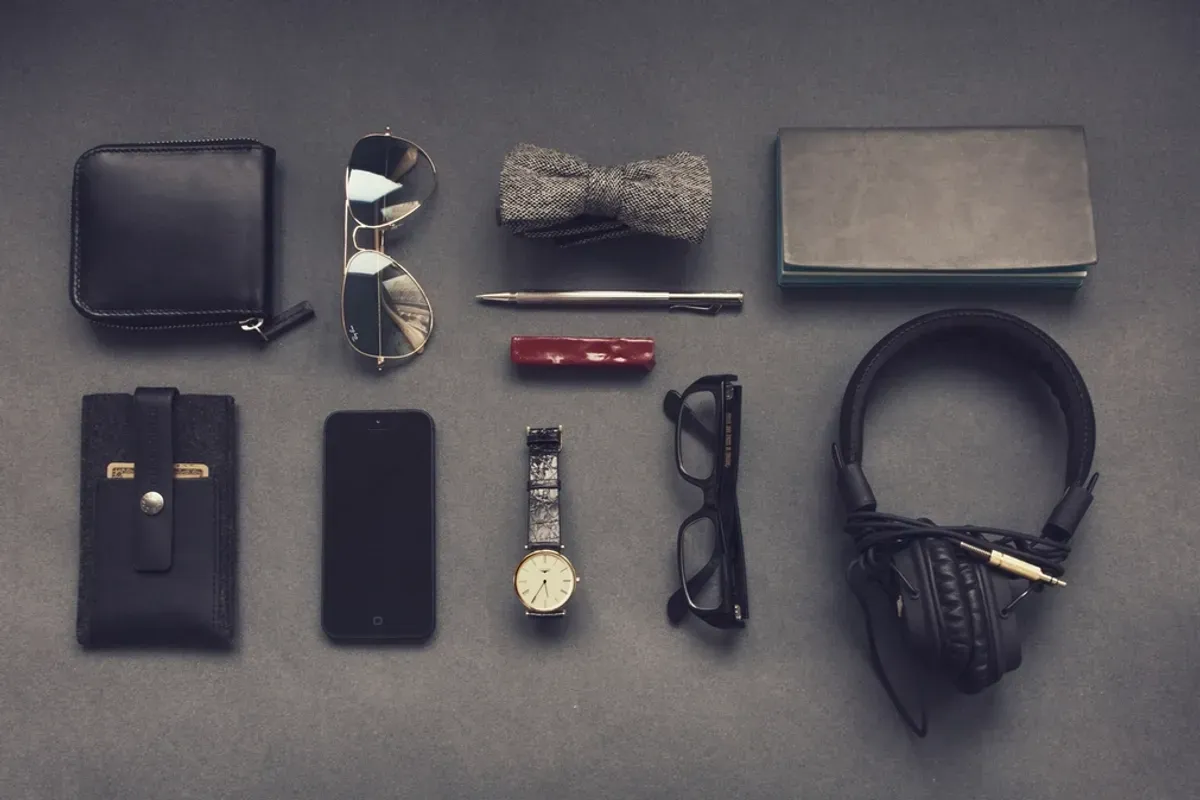
Snapseed might seem bit scary in the beginning but as soon as you start to use it, it will be your best friend and you’ll be able to adjust all the details within few seconds. By opening the ‘Selective’ tool you’ll find three dots (B – brightness, C – contrast, S – saturation) which by swiping your finger up & down or left to right, you can easily switch between options or adjust each option separately. As I’ve mentioned before, this tool helps you to get rid of all the yellowness from the shades which looks really bad on flatlays. Have a try, play around with it and write your feedback in a comment. :)
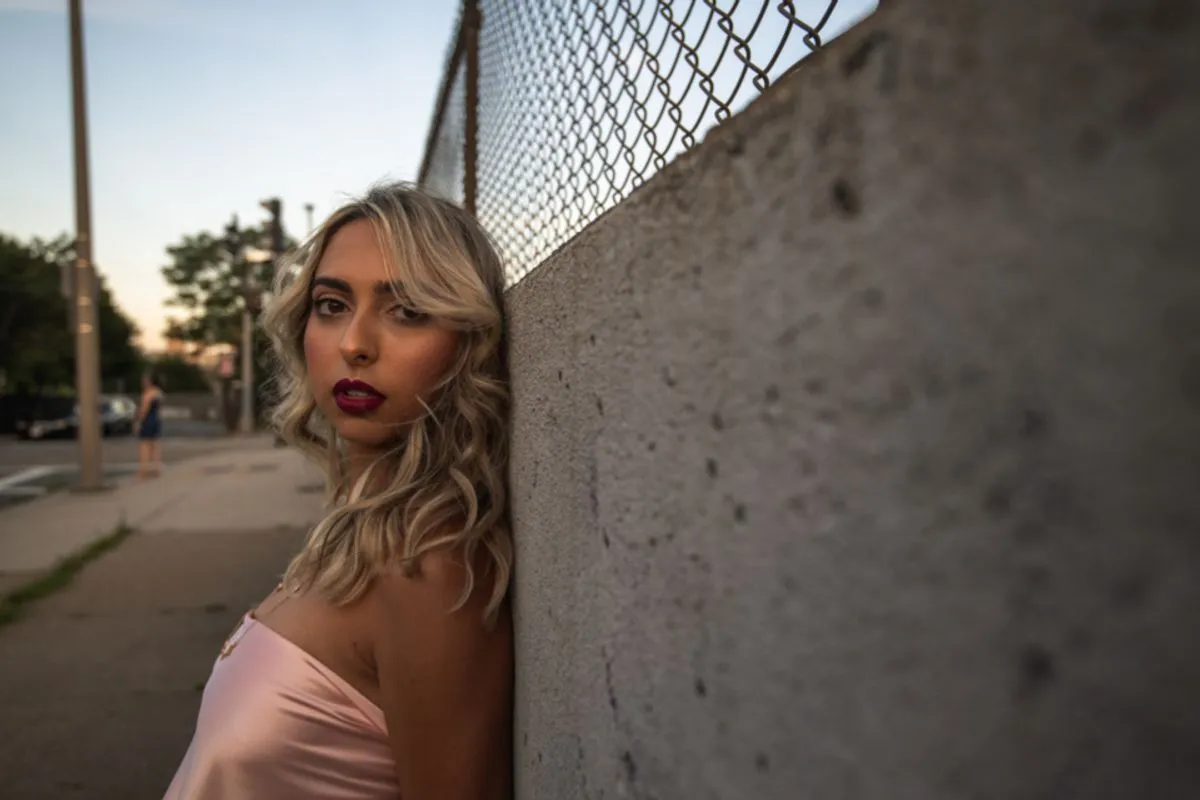
Lastly, (actually might be the most important thing) it is extremely important to have the lights set up right in the first place. As you might see the photo on the left is a raw, unedited image but the tones are good and the colour of the skin is right (which means not too yellow or not too blue). Well, I’m not a professional photographer, so please excuse my explanation. :) PicTapGo and Snapseed helps you to add bit of a contrast and shades to you photos, but without having a good lights setup, you probably won’t be able to add white background to your pics without using Photoshop.
So guys, happy editing, I hope you go wild and crazy and I would love to see your progress! Have fun with both apps!
Love, A. xx

Premium Vintage | @citizensofhumanity
Location: home
UNIQLO | sweatshirt (DIY rips)
CITIZENS OF HUMANITY | liya jeans (shop also HERE)
MISSOMA
gold mini fang necklace
large horn necklace
A. xx